1
Step 1
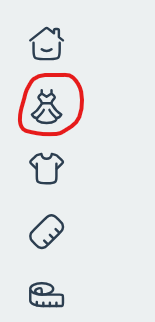
Open Designers
Start on the home page and click the Designers icon to browse available makers.
Walkthrough
Follow these screens to go from designer selection to a printable bodice pattern. Pair this with the 10-step checklist on the home page for measurements and fitting.
Step 1
Start on the home page and click the Designers icon to browse available makers.
Step 2
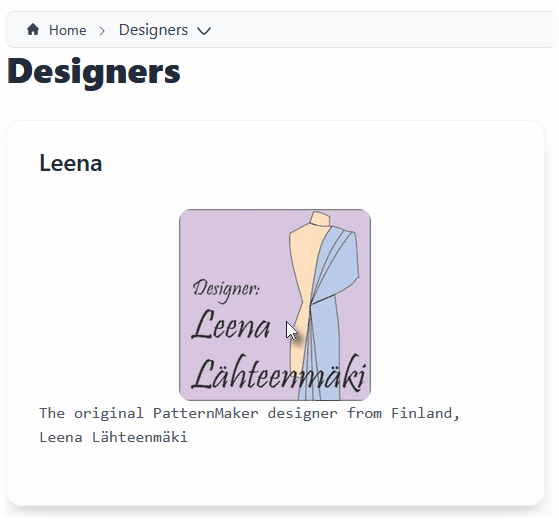
Pick Leena (more designers coming soon) to load that catalog.
Step 3
Choose Bodice Set or any collection you want to draft.

Step 4
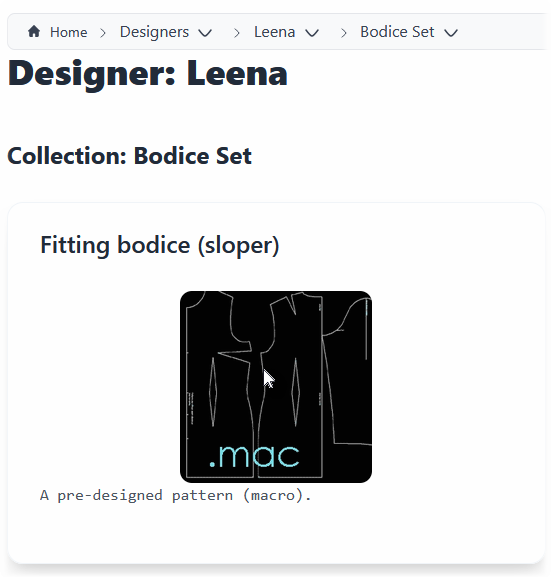
Example: pick Sloper (more collections coming soon).
Step 5
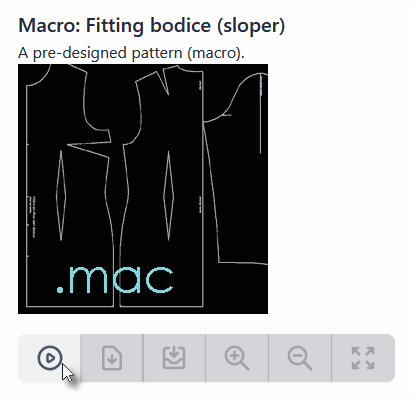
Hit RUN to generate your bodice draft with your selections.
Step 6
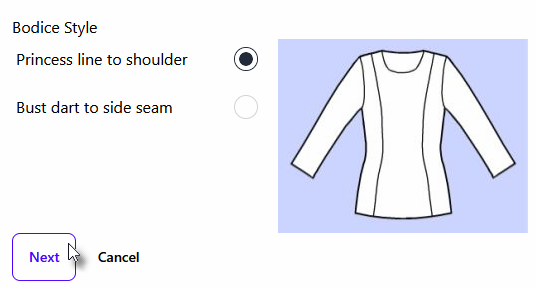
Attach any style overlays you want to include in the draft.
Step 7
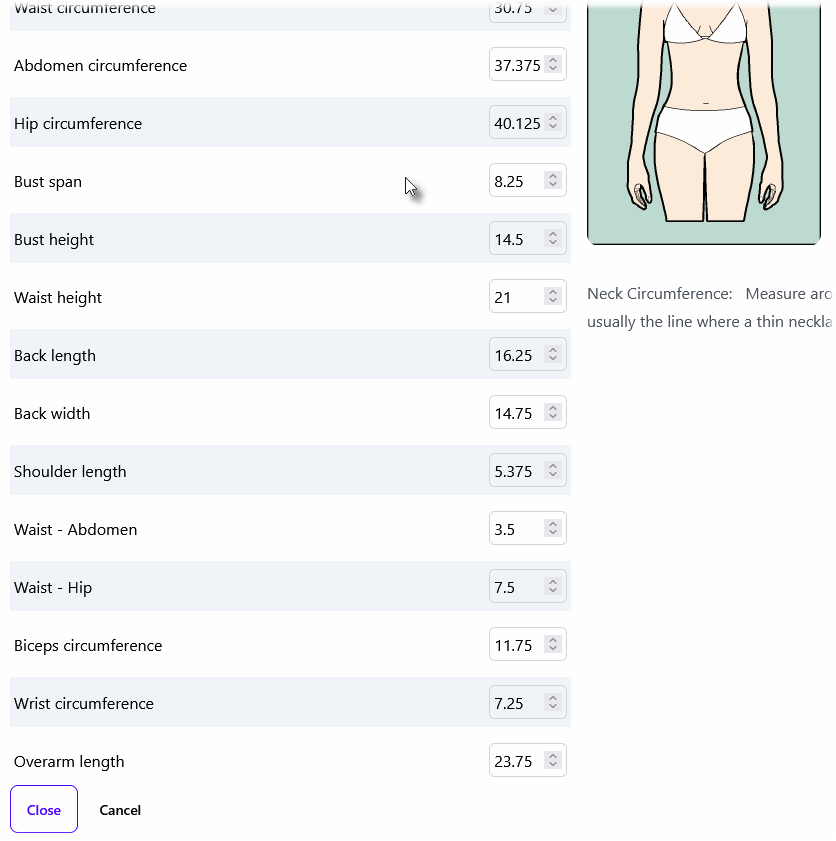
Pick or confirm the measurement table that matches your designer's sizing.
Step 8
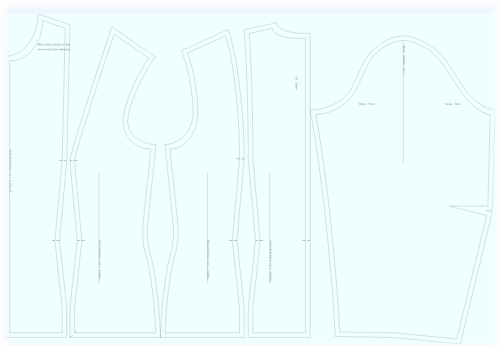
Check the generated draft preview before exporting.
Step 9
Save the PDF and print; tile pages if needed for smaller formats.

Need help choosing measurements? See the measurement table section on the home page.